Get started
Centaur Scores runs in the cloud at centaurscores.nl. You do not need to install anything.
1. Ask for access
Send an e-mail to pb@centaurscores.nl with the name of your club or organisation. You get your own, separate environment and an administrator account.
2. Create your first match
Sign in, choose Matches and create a match with a name, a date, the number of ends and the number of arrows per end. You do not need a club list or lane assignment to start.
3. Print the QR codes and set up a screen
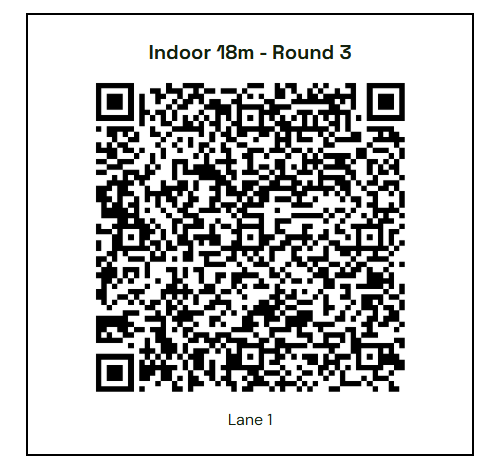
Print one QR code per target and put it by the target face. Archers scan it and can start scoring right away. On a screen in the hall, open the live address shown on the overview of the management app.
Frequently asked questions
Do archers need to install an app?
No. The score card works in any mobile browser. There is an optional Android app for club tablets only.
What if the Wi-Fi in the hall is poor?
Scores are stored on the device first and sent in the background as soon as there is a connection. An icon shows whether everything has been sent.
Which screen do I need for live results?
Any screen with a web browser: a smart TV, a laptop with a projector, or a small computer behind a monitor.
Can archers register on the spot?
Yes. Archers pick their name from the club list on the score card or add themselves as a guest. A lane assignment in advance is also possible.
Can I run Centaur Scores on my own server?
Ja, de software is open source. Zie Self-hosting.