How it works
You can start with nothing but your archers’ phones, and add screens and tablets later as you need them.
1. The basics: archers’ own phones
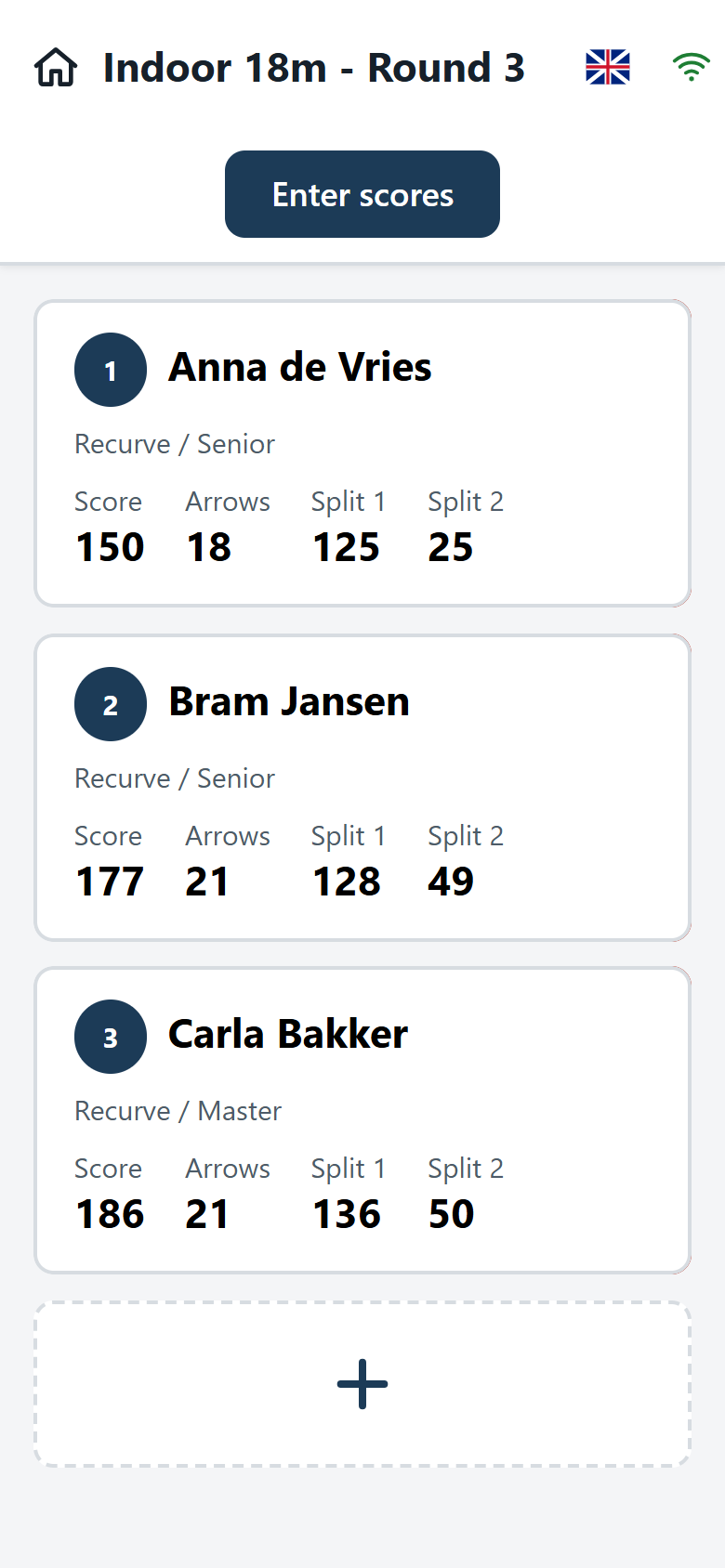
Each target gets a QR code. An archer scans it with their phone camera and the score card opens in the browser. Nothing to install and no login.
The archers on that target enter their arrows on a large keyboard in the target’s colours, and swipe between each other’s score cards. Scores are stored on the phone first and sent in the background, so flaky Wi-Fi does not lose anything.
2. A live display: any screen with a browser
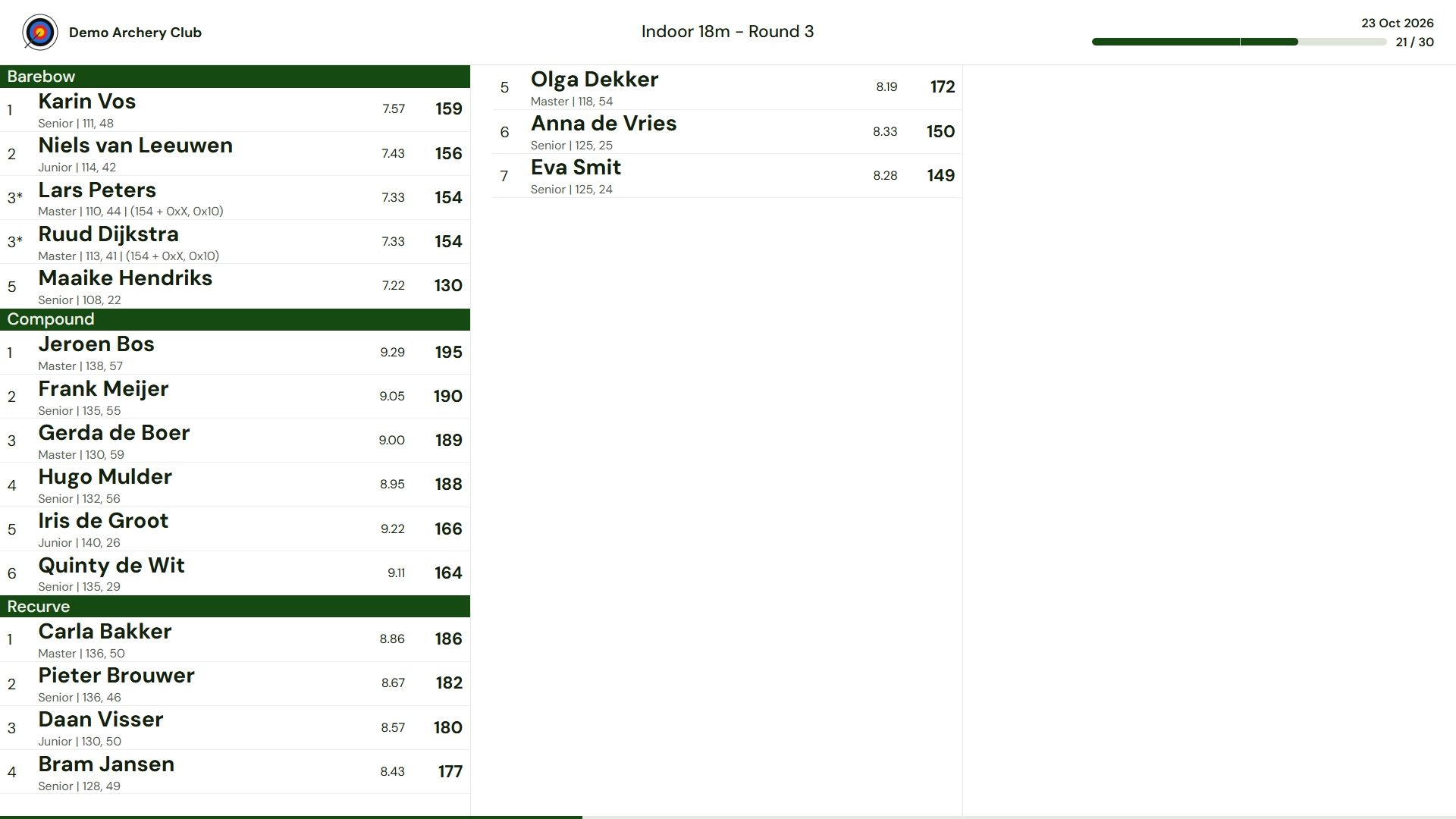
Open the live-results address on a smart TV, a laptop with a projector, or a small computer behind a monitor. The address is fixed, for example centaurscores.nl/narrowcast/your-hall: set it up once and leave it.
What it shows depends on which matches are active. Open a match and it appears by itself. When several are active, the screen cycles between them.
3. Tablets: for clubs that want dedicated devices
Not every archer has a smartphone, or you prefer club-owned devices on the targets? Tablets work in two ways:
- In the browser: scan the QR code and use the same score card as on a phone.
- With the Android app: install the Centaur Scores Android app and pair it with a target by scanning its QR code. The app stores everything locally and syncs when a connection is available.
And for the organiser: the management app
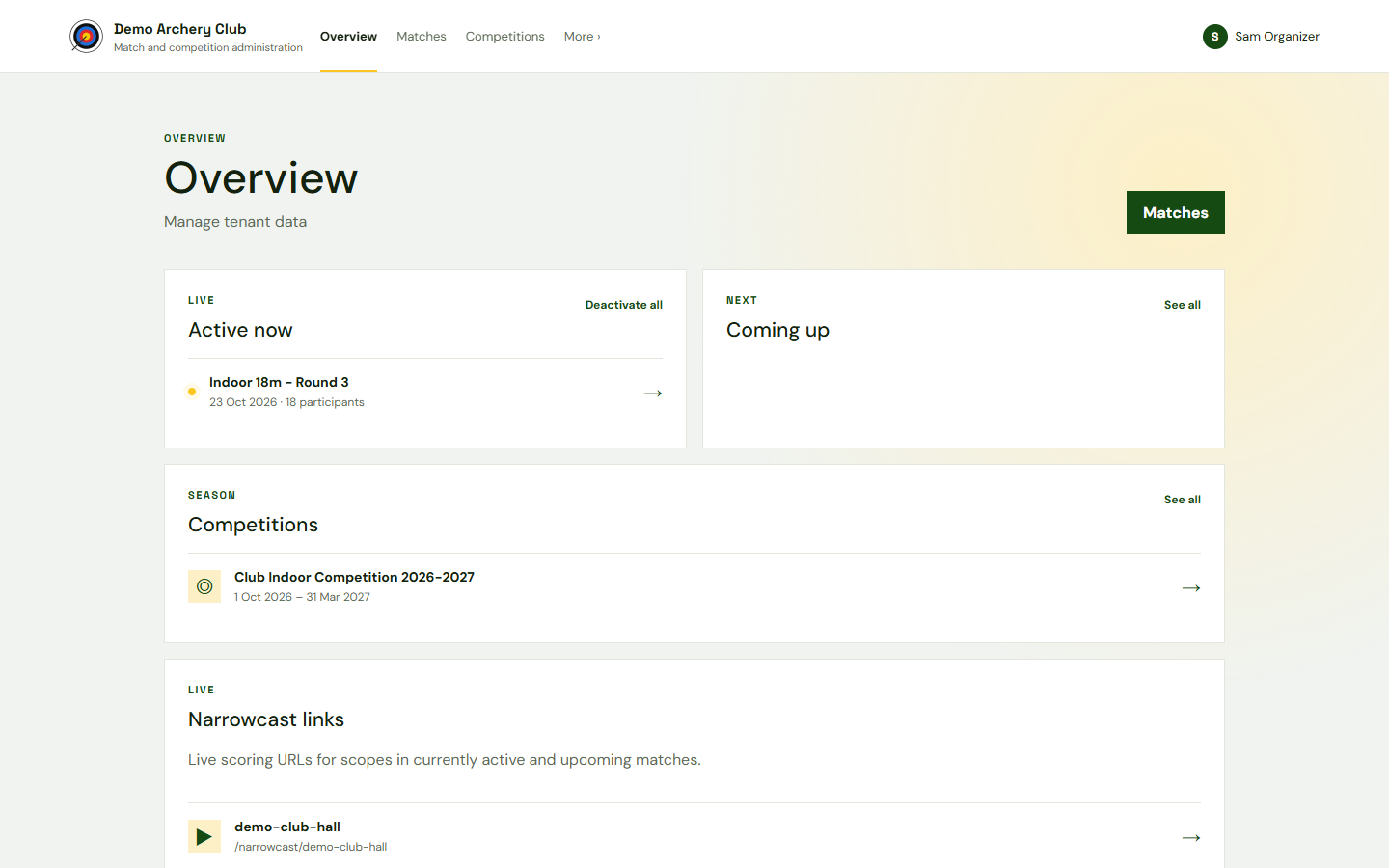
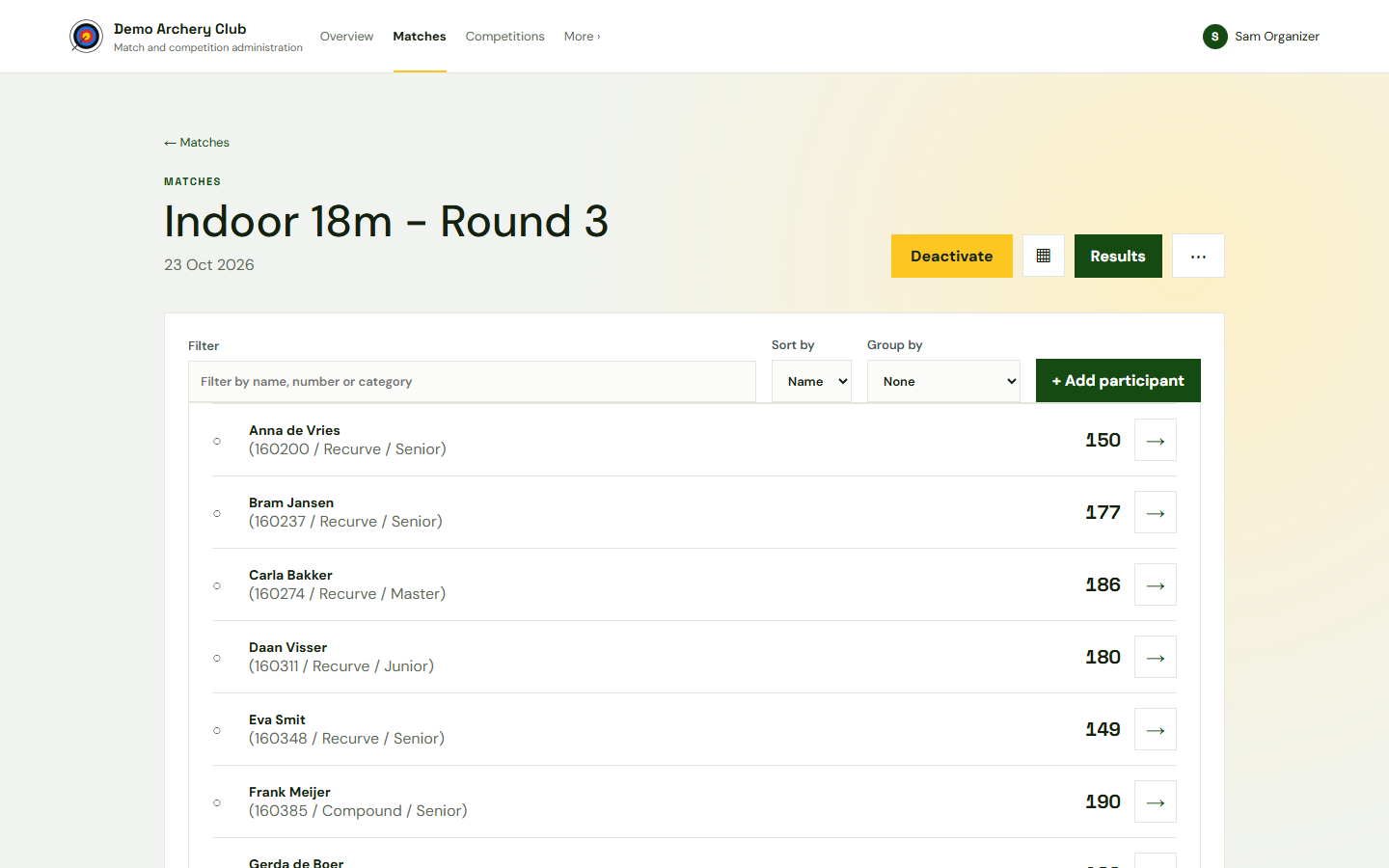
In the management app you create matches and competitions, manage archer lists and accounts, print QR codes and score cards, and correct scores where needed.